 Download app
Description
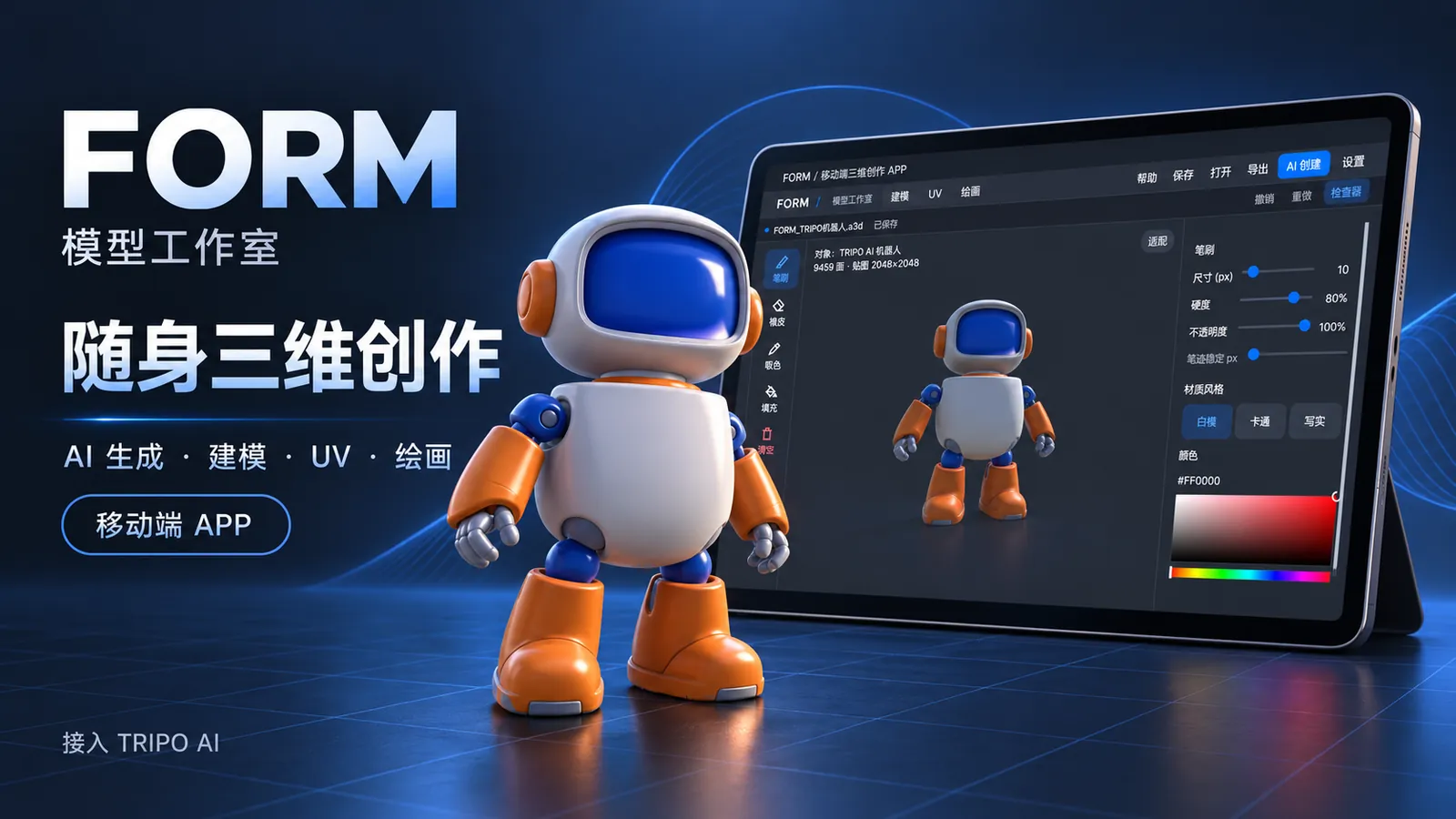
FORM Mobile Model Editor is a 3D creation space that fits on a phone or tablet. An idea can become a model with Tripo, then go through modeling, UV editing and painting until it turns into a piece with your own style.
Using it feels like carrying a 3D sketchbook: turn the model to inspect details, paint straight onto its surface, or view the 3D model and its 2D texture side by side as every stroke updates in real time. When you are done, save the project or export the result and take your idea beyond the screen.
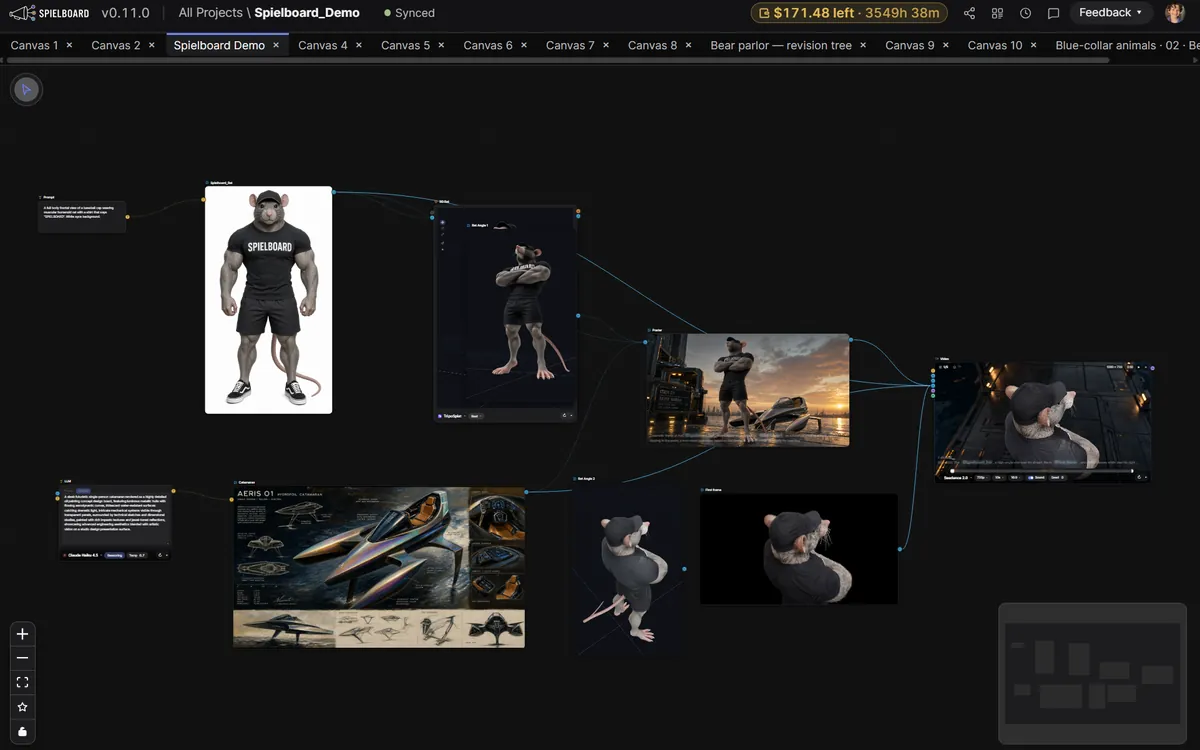
The full workflow: describe an idea and let Tripo generate the model and materials; import the GLB, then model and check or edit the UVs; paint on the 3D model and the UV canvas; save an .a3d project and export GLB, OBJ or a color PNG.
The authors made it as a gift for students whose devices hold their creativity back, and for anyone who wants to turn ideas into objects: newcomers to 3D, illustrators who love designing characters, and creators whose inspiration strikes at any moment.
How Tripo was used
Tripo is the core of FORM's 3D content generation.
- Models and materials: from a user's description, Tripo generates the model and materials, which come into the editable workspace on the phone or tablet with their original topology and UVs intact, ready for modeling, UV editing and painting.
- AI base textures: when painting over existing models, FORM also uses Tripo to generate an AI base layer.